BRNSFT's Productivity Blog
Tags
- AI
- AI-assisted focus
- Agents
- Audio
- Change
- Cognitive Load
- Cognitive Science
- Context Switching
- Decent Work
- Deep Work
- Doorway effect
- Economic Impact
- Employee Engagement
- Employee Well-being
- Generative AI
- Habits
- Ikuna
- LLM
- LLM Agents
- Mental-Models
- Mindset
- Neuroscience
- Pomodoro
- Positive
- Productivity
- Routine
- Routines
- Save Workspace
- Well-Being
- Well-being
- Workplace Dignity
- attention
- attention management
- attentional residue
- burnout
- burnout prevention
- cognitive
- cognitive enhancement
- cognitiveload
- comfort zone
- concentration
- deep work
- digital nomad
- digital wellbeing
- efficiency
- environment
- ergonomics
- eventsegmentation
- focus
- home office
Latest Blogs

The Doorway Effect: Why Your Brain Wipes the Slate Every Time You Switch Apps
Every time you Command-Tab, your brain treats it as walking through a door. The literature on the doorway effect says that crossing an event boundary flushes some of the state you were holding a second earlier. On a modern Mac, you cross fifty of those boundaries a day. That's not a productivity metaphor. It's a specific finding about how the brain segments time.

Why Audio Cues Help You Focus: The Cognitive Science of Sensory Anchors
A sensory anchor is a repeatable sensory input, whether a sound, an image, a smell, or a place, that becomes associated with a cognitive state through repetition. The next time the input appears, the state loads faster and cleaner than it would from a cold start.
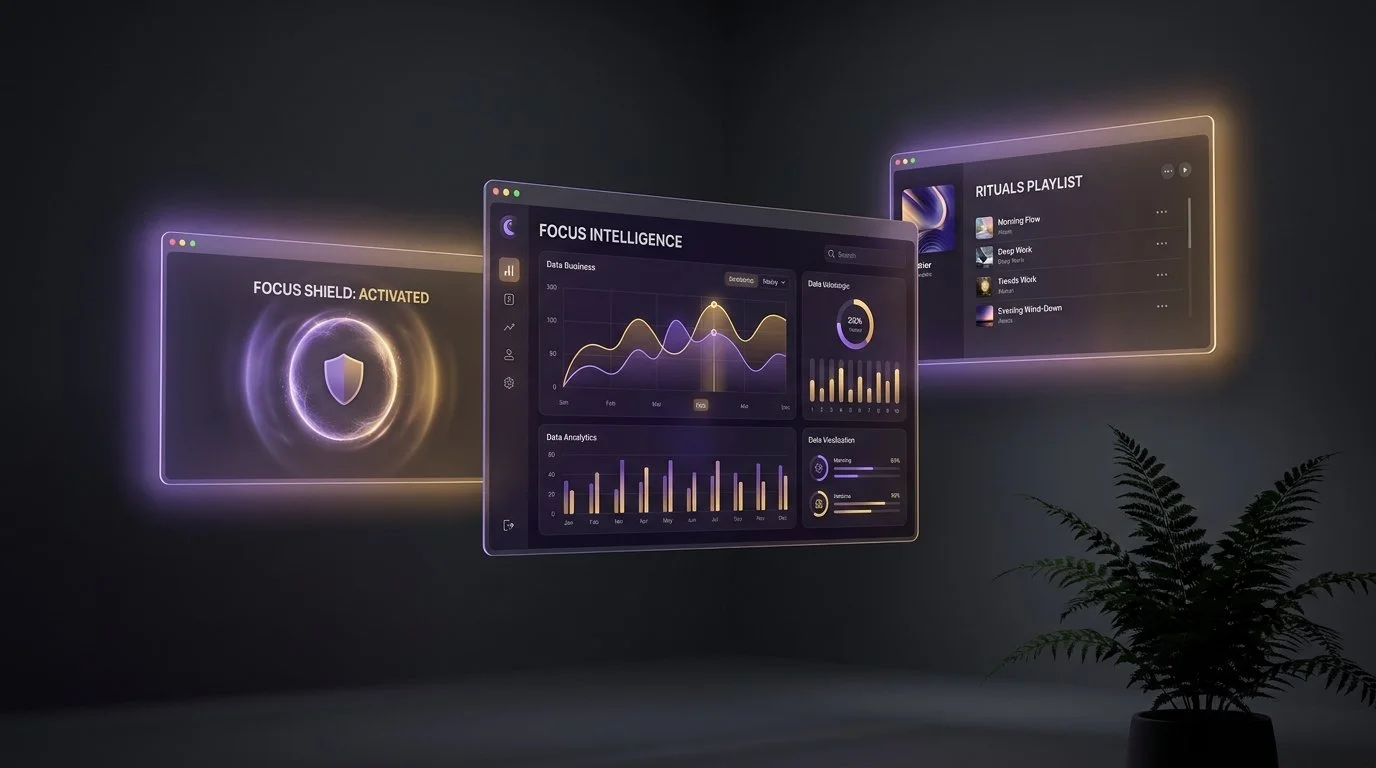
Ikuna in 2026: What Shipped, What's Coming, and Where We're Aiming
I ramped production back up after a long stretch of keeping the lights on but not much else. Seven months later, Ikuna is stable, the intelligence layer is in, and the product is finally what it was supposed to be from the start. Not a window manager with extras. A focus intelligence platform that happens to use save and restore as the mechanism.
This is the narrative changelog. Not a bullet list, not a press release. The honest version of what shipped, what we got wrong, what's coming, and where the company is actually aiming.

Why Ikuna Is More Than a Window Manager
I get it. At first glance, Ikuna looks like a window manager.
That's not an accident. We put the snapping and the layout on the surface deliberately, because in 2020 that was the fastest way to explain what the app did in ten seconds. If you're evaluating productivity tools and you see windows snap into place, you understand the value proposition immediately. Rectangle does that. Magnet does that. Stage Manager does that. The category is legible, the benefit is instant, and you can decide whether you want it in about thirty seconds.

What Is Ikuna? A Focus Intelligence and Context Manager for macOS
Here's why that sentence isn't enough on its own. If you've heard the name mentioned somewhere and landed here looking for a straight definition, you're probably trying to figure out whether this is a window manager, a task manager, a Focus Mode wrapper, or something else entirely. The short answer is: none of those, though it touches all of them. The longer answer is that Ikuna does something specific that doesn't fit neatly into existing categories, and the three-part phrase "focus intelligence and context manager for macOS" is the most honest way I've found to describe what it actually does. This article unpacks that phrase, walks through what the product does mechanically, what it doesn't do, who it's for, and how it fits into a working day.

Why I Built Ikuna: The Office Stack We Lost When We Went Remote
When I went fully remote, my productivity didn't dip. It collapsed.
It wasn't dramatic on day one. I had a laptop, a kitchen table, a reasonable internet connection, and what I believed was a decade of self-discipline. By month two, I was finishing the day with the same feeling you get after a long flight: I'd been on, technically, for nine hours and could not point to a single block of real work. Meetings ran into deep work, deep work ran into messages, messages ran into a half-written doc I'd already opened twice that morning. Each evening I'd close the laptop convinced I'd just had a bad day.

The Science Behind Ikuna: Six Papers That Shaped the Product
We knew remote work felt worse than office work, and we knew the productivity advice you get for that is mostly folk wisdom. Time blocking. Pomodoro. Morning routines. None of it was wrong, exactly, but none of it explained why the problem existed in the first place. So we went looking for actual papers. Not productivity blogs citing papers. The papers themselves.


How Freelancers Manage Multiple Client Workspaces on macOS Without Rebuilding Every Time
Save each client as a named workspace that restores everything: apps, browser tabs, window positions, and Focus Mode settings, all with one keyboard shortcut. Instead of manually opening 6-8 apps and hunting for the right tabs every time you switch clients, a context manager like Ikuna lets you press ⌘+Shift+1 for Client A, ⌘+Shift+2 for Client B, and have your entire environment ready in a few seconds.

How to Stop Losing Your Browser Tabs When Switching Mac Projects
Every time you switch between projects on your Mac, your browser tabs disappear or get mixed up with other tabs.
You close Chrome to focus on a new client. When you come back, those 12 research tabs are gone, buried in history, or merged into a different session. You don’t just lose tabs. You lose context.
macOS was never designed to understand projects. It understands apps. It understands windows. But it does not understand that a set of tabs belongs to a specific piece of work.
Ikuna solves this at the system level. It saves your browser tabs as part of a named project context and restores them when you switch back.
No extensions. No bookmarking workflows. No reconstruction.


The Zeigarnik Effect: How Open Loops Drain Your Mental Energy
Unfinished tasks occupy mental space even when you're not working on them. Understand the Zeigarnik Effect and how to manage cognitive open loops.