Why Ikuna Is More Than a Window Manager
Part of the Ikuna series — a five-piece brand story:What Is Ikuna · Why I Built It · Updates in 2026 ·More Than a Window Manager· The Science Behind It
I get it. At first glance, Ikuna looks like a window manager.
That's not an accident. We put the snapping and the layout on the surface deliberately, because in 2020 that was the fastest way to explain what the app did in ten seconds. If you're evaluating productivity tools and you see windows snap into place, you understand the value proposition immediately. Rectangle does that. Magnet does that. Stage Manager does that. The category is legible, the benefit is instant, and you can decide whether you want it in about thirty seconds.
But if you stop reading here, you've seen the packaging and missed the product.
The reality underneath is that Ikuna was never built to be a window manager. It was built to solve a different problem entirely: how do you give the brain back the cues it needs to load a context, stay in it, and measure whether it's actually working? The window snapping is still there, and it's useful, but it's the entry point, not the destination. This piece is the explanation of what's actually underneath, and why the distinction matters more than it looks like it should.
What a window manager actually is
A window manager moves windows around. Some remember layouts. Some snap windows to edges or corners. Some tile them automatically. That's a real, useful category, and the tools in it are good at what they do.
Rectangle is fast and free. Magnet is polished. Amethyst gives you tiling if that's your preference. Stage Manager, Apple's own take, groups windows visually and keeps them out of the way when you're not using them. All of them solve a version of the same problem: your screen is a finite rectangle, and you need a way to arrange things on it that doesn't involve dragging windows by hand every time you sit down.
That's legitimate work. If that's all you need, those tools will do it well.
The line I want to draw is this: none of them attempts what Ikuna attempts. A window manager arranges windows. Ikuna saves, restores, and measures cognitive contexts. The mechanism overlaps at the surface, the window positions, but the intent and the architecture underneath are completely different. Once you see the four layers, the distinction stops being semantic and starts being structural.
The four layers underneath
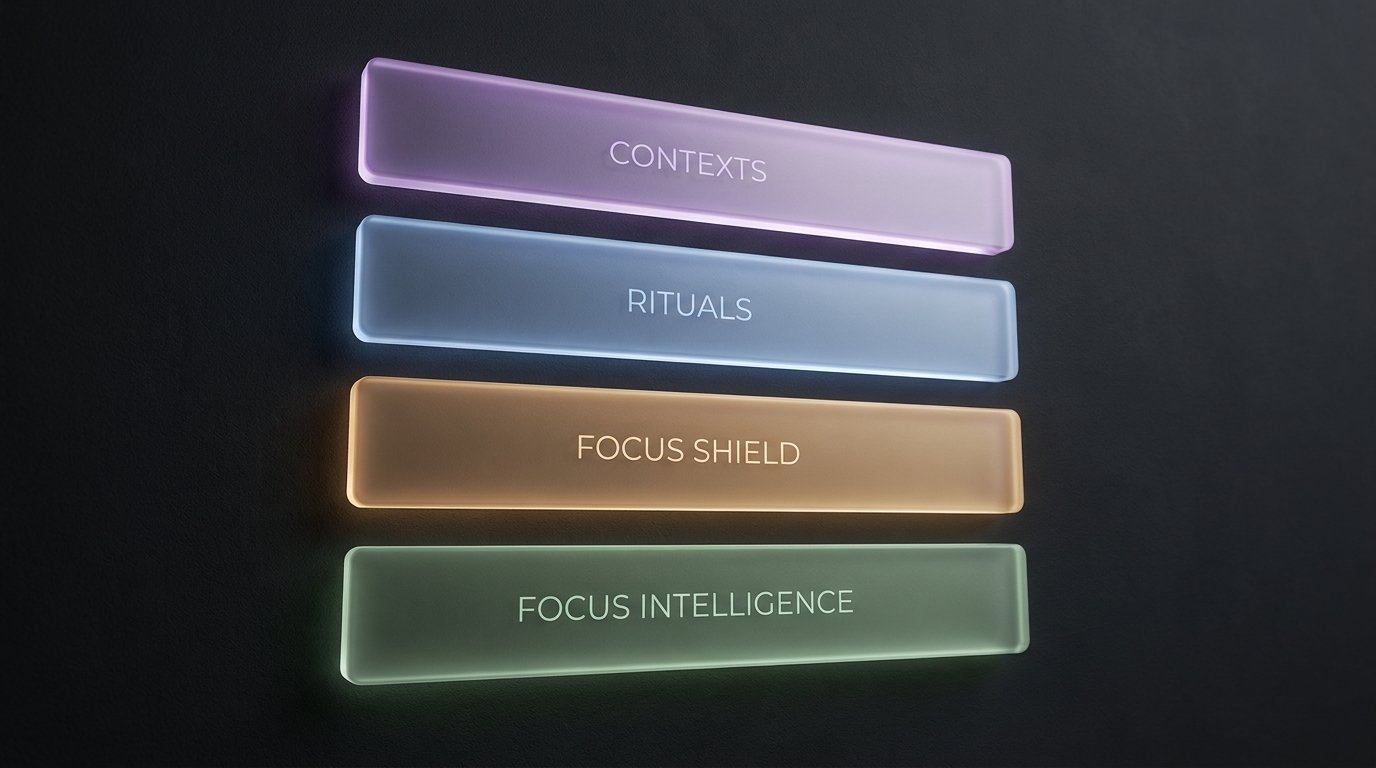
This is the spine of the product, and the part that no window manager attempts. Each layer builds on the one below it, and the top layer, Focus Intelligence, is the one that changes how you think about the tool entirely.
Layer 1: Contexts, not windows
A window manager arranges windows. Ikuna saves and restores the entire state of a project.
When you save a context in Ikuna, what you're saving is not just where the windows were. You're saving which apps were open, which exact browser tabs were loaded, which window was on which monitor, and what the monitor layout was. The whole environment. We call these saved states "Ikunas," and each one is a named context: "Client Work," "Deep Writing," "Morning Admin," whatever the project actually is.
When you restore a context, Ikuna rebuilds that entire state in under three seconds. Apps launch. Tabs reload. Windows snap into place. The monitor layout reconfigures if you've plugged in a display. You're not reconstructing the environment from memory. You're resuming it.
This is the mechanism that makes everything else possible, and it's the first place where Ikuna diverges from the window-manager category. Rectangle can remember a layout. It cannot remember that the layout was supposed to include Figma, three specific Notion tabs, Slack in the left monitor, and a playlist. Save and restore contexts is the foundation. The rest of the product is what you build on top of it.
Layer 2: Rituals & Triggers — the anchors
Per-context wallpaper. An opening video. A playlist that starts when you enter.
If you're reading this as feature marketing, it sounds like cosmetic customization. If you're reading it through the research, it's the mechanism by which a digital environment becomes a behaviour setting.
Gabriel Radvansky's work on event segmentation, the research behind the "doorway effect," shows that the brain uses environmental boundaries to segment memory and attention. When you walk through a doorway, your brain treats it as an event boundary and flushes working memory. That's why you forget what you came into the room for. It's not a bug. It's the brain's way of clearing the previous context to make room for the new one.
Roger Barker's behaviour-settings work, from the 1960s, goes further: physical environments cue specific behaviours so reliably that the setting predicts behaviour better than personality does. A library cues one mode. A meeting room cues another. The cues are environmental, external, and effortless. You don't decide to enter work mode in a library. The library does it for you.
Rituals & Triggers are Ikuna's way of turning a digital context into a behaviour setting. The wallpaper shift, the opening video, the playlist, all of it fires automatically when you enter the context. After about a week of repetition, the cues start doing the work. You don't have to remember to enter focus mode. The ritual does it for you, the same way the office commute used to.
Window managers do not fire cues on entry. They can't, because they don't have the concept of entering a context. They arrange windows. Anchors are the mechanism by which a context becomes a behaviour setting, and behaviour settings are how you get the brain to load a mode without spending willpower on it.
Layer 3: Focus Shield — the behavioural guard
Per-context distraction blocking, with a two-stage escalation: gentle nudge first, then full-screen block if you try again.
This is Ikuna's own attention-guarding layer. It is not a wrapper around macOS Focus Mode. The macOS API doesn't allow that, and even if it did, Focus Mode doesn't know what context you're in. Focus Shield does, because it's part of the same system that saved and restored the context in the first place.
Here's how it works. You're in "Deep Writing." You've told Ikuna that in this context, Slack is a distraction. You try to open Slack. Focus Shield shows a gentle nudge: "You're in Deep Writing. Slack is blocked here. Do you want to continue?" If you click through, it lets you. If you try again within the same session, it escalates to a full-screen block with a ten-second delay. The escalation is deliberate. The goal is not to lock you out of your own machine. The goal is to make the friction high enough that you notice the switch and decide whether it's actually worth it.
The science here is Sophie Leroy's attention residue work and Gloria Mark's context-switching cost research. Leroy's 2009 paper showed that switching tasks mid-flow leaves a cognitive trace, attention residue, that measurably drags on the next task. In a June 2006 Gallup interview, Gloria Mark reported that work interrupted and resumed on the same day was resumed, on average, after 23 minutes and 15 seconds, with about two intervening tasks. This measured time to task resumption, not a universal delay until full focus or 23 minutes of inactivity. The finding does not mean opening Slack costs the next twenty minutes, or that Focus Shield measures or prevents that cost.
Window managers cannot protect attention because they don't know what mode you're in. They don't have the concept of a "focus session" or a "context state." Ikuna does, and Focus Shield is the layer that uses that knowledge to guard the boundary.
Layer 4: Focus Intelligence — the feedback loop
The dashboard showing deep-work duration, context-switching frequency, and when your focus is at its best.
This is the layer no window manager attempts, because window managers don't have the concept of a "focus session" or a "context state." They arrange windows. They don't measure how long you stayed in a context before switching, or how many times you switched in a day, or whether the deep blocks you think you're getting are actually happening.
Ikuna does, because it's tracking context state as the primary object. Every time you enter a context, stay in it, or leave it, that's a data point. Over time, those data points become a shape: the shape of your own attention.
Most knowledge workers have never seen that shape. I hadn't, until we built Focus Intelligence for ourselves. The first time I looked at mine, I realised that what I'd been calling "a deep work morning" was, on average, six twelve-minute fragments. I thought I was focusing. The data showed I was context-switching every twelve minutes and calling it focus because I was technically working the whole time.
That's what the feedback loop does. It gives you an honest external view of your own behaviour, the same way the office used to give you an external view by making you physically move between spaces. You can't see your own attention from the inside. You need a mirror. Focus Intelligence is the mirror.
This is the wedge. This is the layer that makes Ikuna something other than a window manager. Save and restore is the mechanism. Focus Intelligence is the product.
The wedge, stated plainly
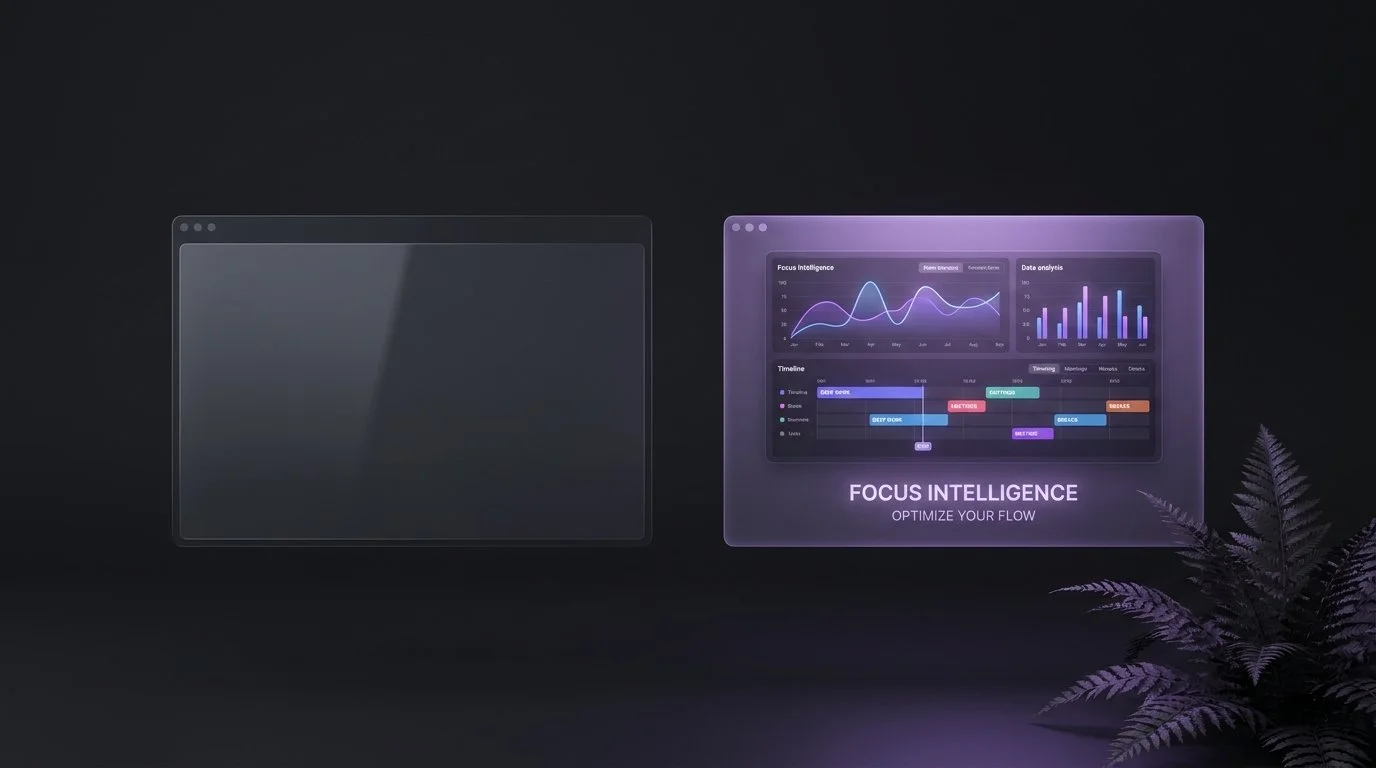
BetterStage, Workspaces by Apptorium, Spencer, Stay, Shiftplus, Raycast Workspaces — all of them stop at the mechanism. They save layouts, or launch apps, or switch workspaces. Some of them do it very well. None of them attempts the intelligence layer on top of it.
Ikuna's wedge is Focus Intelligence plus Focus Shield. The dashboard that shows you the shape of your attention, and the behavioural guard that protects it in the moment. Those two layers are what turn a workspace switcher into a focus intelligence platform, and they're only possible because the foundation, save and restore contexts, was built to track cognitive state rather than window positions.
If you're evaluating tools and all you need is window arrangement, the competitors in that table will serve you well. If what you're actually trying to solve is "I don't know why I can't focus anymore" or "I'm working all day and finishing nothing," the distinction between a window manager and a focus intelligence platform stops being academic and starts being the entire point.
Why the surface stays
Yes, the snapping and layout are still there. Yes, we still lead with them for new users. That's deliberate, and I'm not apologising for it.
The underneath layers, Rituals, Focus Shield, Focus Intelligence, are only useful once you actually save your first three contexts and start using them daily. The fastest way to get someone there is to give them an obvious surface benefit first: windows snap into place, the layout looks clean, and the value is instant. That gets them in the door. The anchors, the blocking, and the dashboard do the long-term work once they stay.
This is the same logic as the exemplar piece: we put the magic on the surface because the magic is what people can evaluate in ten seconds, and the science underneath is what they'll understand in ten days. If we led with "Ikuna is a focus intelligence platform grounded in event segmentation theory and attention residue research," nobody would download it. If we lead with "your windows snap into place and your contexts rebuild in three seconds," they download it, and then they discover the rest.
The surface is the entry point. The layers underneath are the product. Both are necessary, and neither is a compromise.
What this changes about how you use it
Once you stop thinking of Ikuna as a window manager, three things change in how you actually use it.
First, you name contexts intentionally. Not "Workspace 1" or "Desktop 2." You name them after the cognitive mode they're supposed to hold: "Client Calls," "Deep Writing," "Morning Admin." The name is part of the cue. It tells your brain what mode to load, and it makes the Focus Intelligence dashboard legible when you look at it later.
Second, you use the dashboard weekly. Not as a guilt trip, but as a mirror. The question isn't "did I focus enough?" The question is "what does the shape of my attention actually look like, and is that the shape I want?" If you're switching contexts every fifteen minutes and wondering why deep work feels impossible, the dashboard will show you that before you spend another month blaming discipline.
Third, you let Focus Shield actually block stuff. The instinct is to leave it off, or to click through the nudge every time, because you don't trust a piece of software to tell you what you should be doing. That instinct is correct for most productivity tools. It's wrong for Focus Shield, because Focus Shield isn't guessing. It's enforcing a rule you set when you were in a different cognitive state, the state where you actually wanted to focus. The nudge is you, from ten minutes ago, reminding you what you said you wanted. Let it do that.
Those three shifts, naming intentionally, checking the dashboard weekly, and trusting the guard, are what turn Ikuna from a tool you use into infrastructure that runs for you. That's when it starts doing the work.
FAQ
So is Ikuna a window manager or not?
It depends on what you mean by "window manager." If the definition is "arranges windows on a screen," then yes, Ikuna does that, and it's good at it. If the definition is "the primary job is arranging windows," then no. The primary job is saving, restoring, and measuring cognitive contexts. The window arrangement is part of the context, but it's not the whole context, and it's not the reason the product exists. The clearest answer is: Ikuna is a focus intelligence platform that includes window management as one layer of a larger system.
How is Ikuna different from BetterStage, Workspaces, or Spencer?
BetterStage is a workspace switcher. Workspaces by Apptorium is an app launcher per workspace. Spencer is a window layout snapshot tool. All three are good at what they do. The difference is that they stop at the mechanism: switching, launching, or snapping. Ikuna adds three layers on top of that: Rituals & Triggers (the anchors that turn a context into a behaviour setting), Focus Shield (the behavioural guard that protects attention in the moment), and Focus Intelligence (the dashboard that shows you the shape of your attention over time). Those three layers are what make it a focus intelligence platform rather than a workspace switcher.
Do I need to understand cognitive science to use it?
No. The science is the reason the product is built the way it is, but you don't need to know the science to use it. You save a context, name it, set a wallpaper and a playlist if you want them, and switch to it when you need it. The anchors fire automatically. Focus Shield blocks what you told it to block. The dashboard shows you the data. The product does the work. The science is there if you want to understand why it works, but it's not a prerequisite for the benefit.
Can I just use it as a window manager if that's all I need?
Yes. If all you need is window snapping and layout memory, Ikuna will do that, and you can ignore the rest. The free plan gives you up to four contexts, which is enough to test whether the underneath layers are useful to you. If they're not, and you just want the snapping, that's fine. The product won't force you to use the anchors or the dashboard. But if you're reading this piece, my guess is that what you're actually trying to solve is bigger than window arrangement, and the underneath layers are where the answer is.
Ikuna is the focus intelligence and context manager for macOS. Save and restore is the mechanism. Focus intelligence is the product. Free plan at brnsft.com/ikuna. Pro at ikuna.app.
