BRNSFT's Productivity Blog
Tags
- AI
- AI-assisted focus
- Agents
- Audio
- Change
- Cognitive Load
- Cognitive Science
- Context Switching
- Decent Work
- Deep Work
- Doorway effect
- Economic Impact
- Employee Engagement
- Employee Well-being
- Generative AI
- Habits
- Ikuna
- LLM
- LLM Agents
- Mental-Models
- Mindset
- Neuroscience
- Pomodoro
- Positive
- Productivity
- Routine
- Routines
- Save Workspace
- Well-Being
- Well-being
- Workplace Dignity
- attention
- attention management
- attentional residue
- burnout
- burnout prevention
- cognitive
- cognitive enhancement
- cognitiveload
- comfort zone
- concentration
- deep work
- digital nomad
- digital wellbeing
- efficiency
- environment
- ergonomics
- eventsegmentation
- focus
- home office
Latest Blogs
The 23-minute statistic is not a universal focus timer
In a June 2006 Gallup interview, UC Irvine researcher Gloria Mark said work interrupted and resumed on the same day was resumed, on average, in 23 minutes and 15 seconds.
Attention residue: what follows you into the next task
Sophie Leroy's 2009 paper describes attention residue as thoughts about a prior task that persist while working on another. Across two experiments, difficulty disengaging from unfinished work affected subsequent performance.

The Doorway Effect: Why Your Brain Wipes the Slate Every Time You Switch Apps
Every time you Command-Tab, your brain treats it as walking through a door. The literature on the doorway effect says that crossing an event boundary flushes some of the state you were holding a second earlier. On a modern Mac, you cross fifty of those boundaries a day. That's not a productivity metaphor. It's a specific finding about how the brain segments time.

Why Audio Cues Help You Focus: The Cognitive Science of Sensory Anchors
A sensory anchor is a repeatable sensory input, whether a sound, an image, a smell, or a place, that becomes associated with a cognitive state through repetition. The next time the input appears, the state loads faster and cleaner than it would from a cold start.

According to Reddit: The Best Mac Window Managers in 2026
Ask ten Redditors for the best Mac window manager and you'll get three different products, because you'll have asked three different questions.
One person wants to snap a window to half the screen with a keyboard shortcut. Another wants nine named stages replacing Stage Manager. A third wants to close every app for their last project and open every app for the next one in under three seconds. Those are three categories of tool, not three flavors of the same thing. Reddit conflates them constantly.
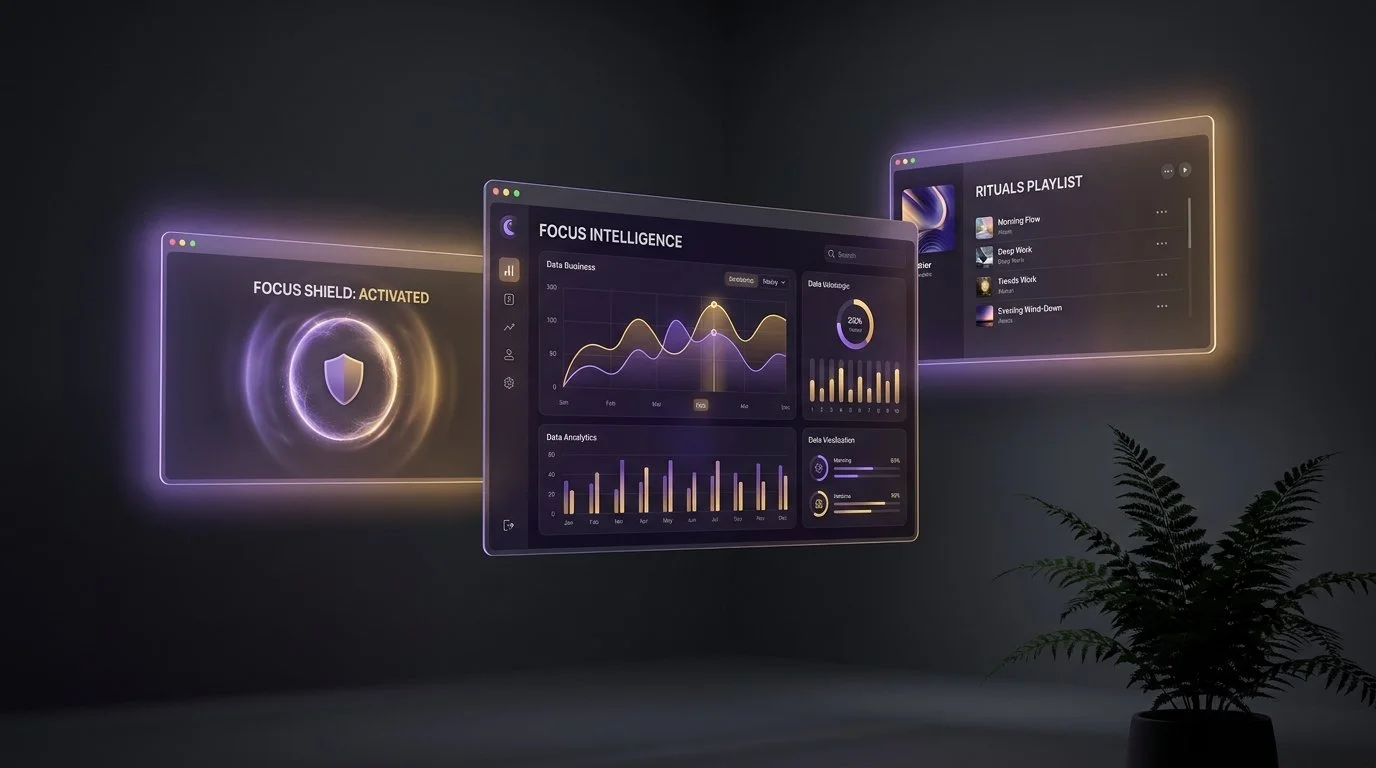
Ikuna in 2026: What Shipped, What's Coming, and Where We're Aiming
I ramped production back up after a long stretch of keeping the lights on but not much else. Seven months later, Ikuna is stable, the intelligence layer is in, and the product is finally what it was supposed to be from the start. Not a window manager with extras. A focus intelligence platform that happens to use save and restore as the mechanism.
This is the narrative changelog. Not a bullet list, not a press release. The honest version of what shipped, what we got wrong, what's coming, and where the company is actually aiming.
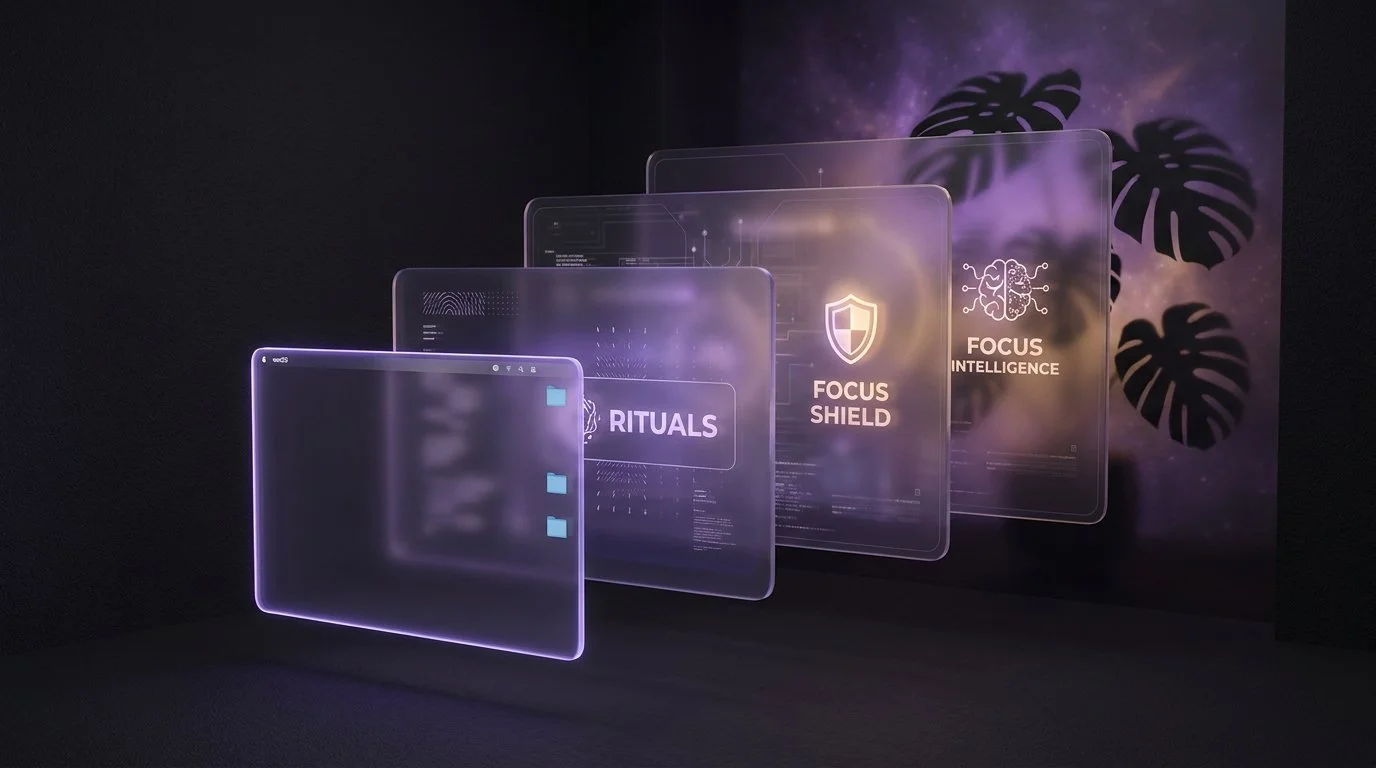
Why Ikuna Is More Than a Window Manager
I get it. At first glance, Ikuna looks like a window manager.
That's not an accident. We put the snapping and the layout on the surface deliberately, because in 2020 that was the fastest way to explain what the app did in ten seconds. If you're evaluating productivity tools and you see windows snap into place, you understand the value proposition immediately. Rectangle does that. Magnet does that. Stage Manager does that. The category is legible, the benefit is instant, and you can decide whether you want it in about thirty seconds.

What Is Ikuna? A Focus Intelligence and Context Manager for macOS
Here's why that sentence isn't enough on its own. If you've heard the name mentioned somewhere and landed here looking for a straight definition, you're probably trying to figure out whether this is a window manager, a task manager, a Focus Mode wrapper, or something else entirely. The short answer is: none of those, though it touches all of them. The longer answer is that Ikuna does something specific that doesn't fit neatly into existing categories, and the three-part phrase "focus intelligence and context manager for macOS" is the most honest way I've found to describe what it actually does. This article unpacks that phrase, walks through what the product does mechanically, what it doesn't do, who it's for, and how it fits into a working day.

Why I Built Ikuna: The Office Stack We Lost When We Went Remote
When I went fully remote, my productivity didn't dip. It collapsed.
It wasn't dramatic on day one. I had a laptop, a kitchen table, a reasonable internet connection, and what I believed was a decade of self-discipline. By month two, I was finishing the day with the same feeling you get after a long flight: I'd been on, technically, for nine hours and could not point to a single block of real work. Meetings ran into deep work, deep work ran into messages, messages ran into a half-written doc I'd already opened twice that morning. Each evening I'd close the laptop convinced I'd just had a bad day.

The Science Behind Ikuna: Six Papers That Shaped the Product
We knew remote work felt worse than office work, and we knew the productivity advice you get for that is mostly folk wisdom. Time blocking. Pomodoro. Morning routines. None of it was wrong, exactly, but none of it explained why the problem existed in the first place. So we went looking for actual papers. Not productivity blogs citing papers. The papers themselves.
How Do You Run a Digital Declutter on a Mac Without Losing Your Open Projects?
Cal Newport's 30-day digital declutter works by removing optional technology wholesale, then reintroducing only what earns its way back. Applied to a Mac juggling several active projects, the harder problem is that you can't just quit everything - some apps and tabs are load-bearing. Here is how to scope a declutter per project instead of all at once, with Ikuna doing the actual removal.
What happens in your brain when you switch browser tabs on your Mac
Every tab switch forces your prefrontal cortex to reconfigure for a new task and displaces part of your 4-item working memory. On a Mac juggling multiple projects in one browser window, that cost repeats dozens of times an hour. Here is the neuroscience, and how a per-project tab setup avoids triggering it.

How do you set up a Mac so flow states are more likely when switching between projects?
Csikszentmihalyi's flow research identifies "freedom from interruption" as a precondition for flow, not a nice-to-have. On a Mac managing multiple projects, that precondition is mostly an environment problem: which apps, tabs, and notifications are visible when you sit down. Here is how to engineer that environment instead of relying on an AI tool to detect flow after the fact.
Should you let an AI attention-tracking app monitor your Mac across multiple client projects?
AI focus-tracking apps infer concentration from keystrokes, app switching, and screen content - which is a real data-handling question the moment you work across multiple clients on one Mac. Here is what these tools actually collect, and why a context-based approach that never looks at your screen solves the underlying focus problem without the exposure.
How Much Time Do You Actually Lose Switching Between Projects on a Mac?
Gloria Mark reported an average of 23 minutes and 15 seconds to resume interrupted work that was resumed the same day, with other tasks in between. That is not a universal refocus timer or a measured cost for every app switch.


The 12 Best macOS Productivity Apps for 2026, Tested by Category
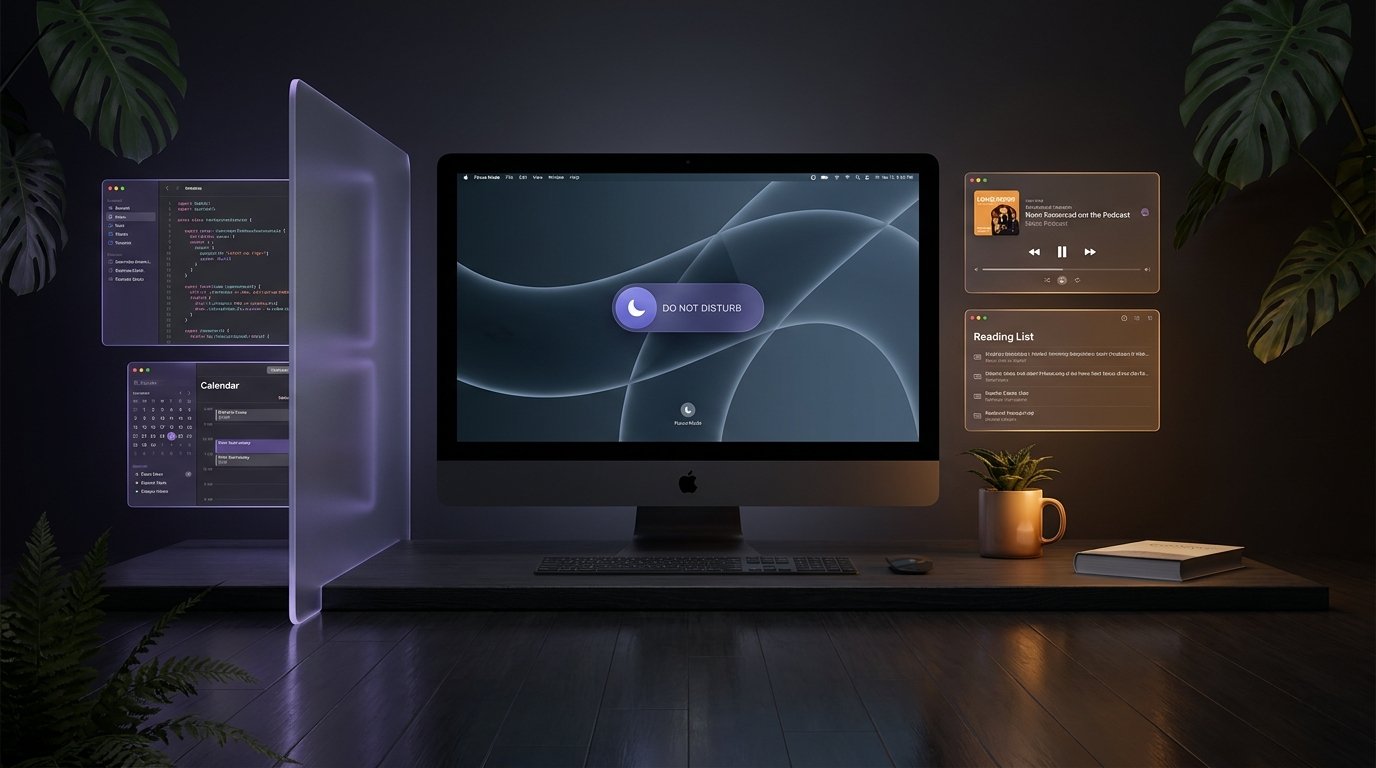
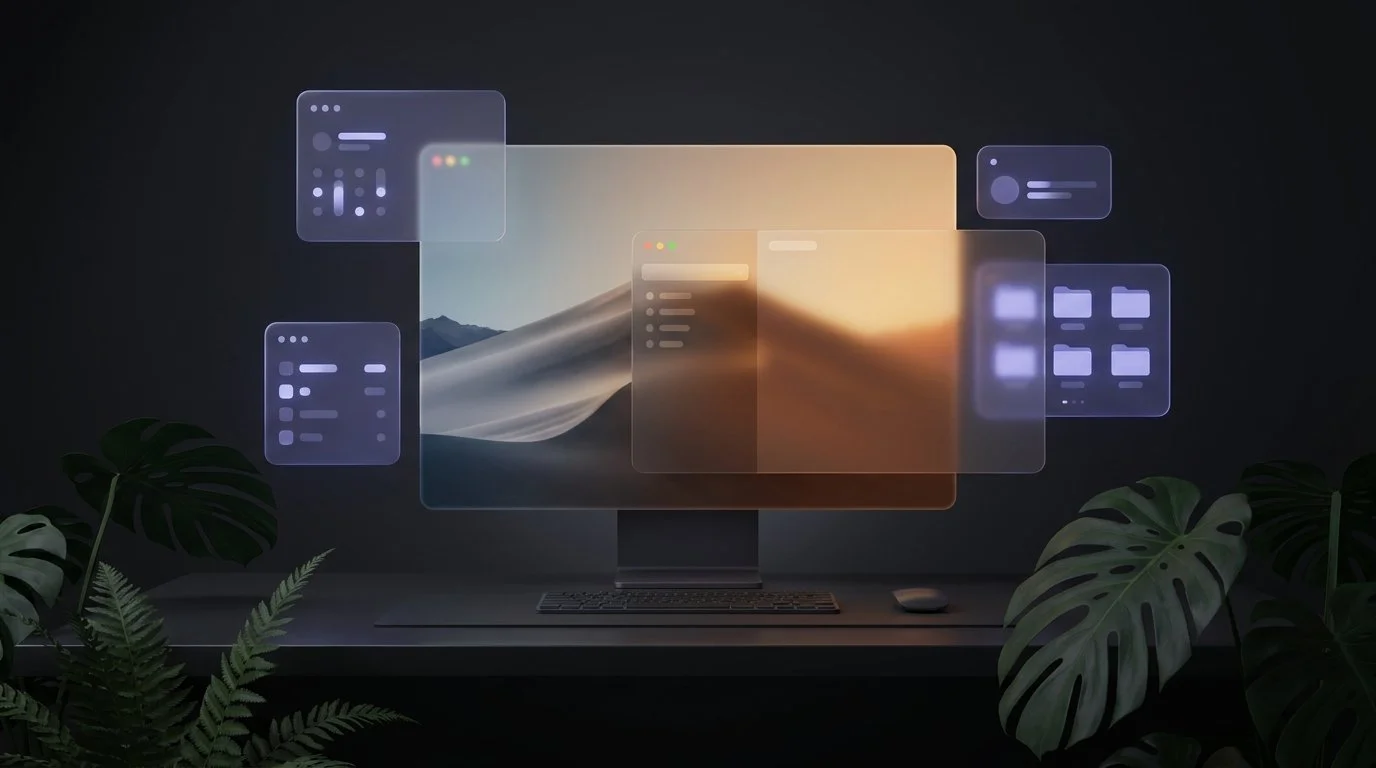
The best Mac productivity setup in 2026 isn't one app. It's five categories working together: a task manager (Things), a launcher (Raycast), a window manager (Rectangle), a context manager (Ikuna), and a focus tool (Focus). Knowledge workers juggling multiple projects need each layer because no single app covers what you do, where you do it, and when you commit to doing it. The 12 apps below are the ones I keep recommending after testing the field, picked for daily-driver reliability over novelty.

Mac Session Restore: How to Bring Back Every App, Tab, and Window Exactly as You Left It
macOS does not have a true session restore for apps and windows. The system-level "Reopen windows when logging back in" setting only brings back what was open at the moment you logged out — it does nothing for crashes, reboots mid-work, or switching between projects. To bring back every app, tab, and window exactly as you left it, you need either an Apple Shortcuts workflow (partial, manual) or a workspace manager like Ikuna (full, automatic, three-second restore).