BRNSFT's Productivity Blog
Tags
- AI
- AI-assisted focus
- Agents
- Audio
- Change
- Cognitive Load
- Cognitive Science
- Context Switching
- Decent Work
- Deep Work
- Doorway effect
- Economic Impact
- Employee Engagement
- Employee Well-being
- Generative AI
- Habits
- Ikuna
- LLM
- LLM Agents
- Mental-Models
- Mindset
- Neuroscience
- Pomodoro
- Positive
- Productivity
- Routine
- Routines
- Save Workspace
- Well-Being
- Well-being
- Workplace Dignity
- attention
- attention management
- attentional residue
- burnout
- burnout prevention
- cognitive
- cognitive enhancement
- cognitiveload
- comfort zone
- concentration
- deep work
- digital nomad
- digital wellbeing
- efficiency
- environment
- ergonomics
- eventsegmentation
- focus
- home office
Latest Blogs
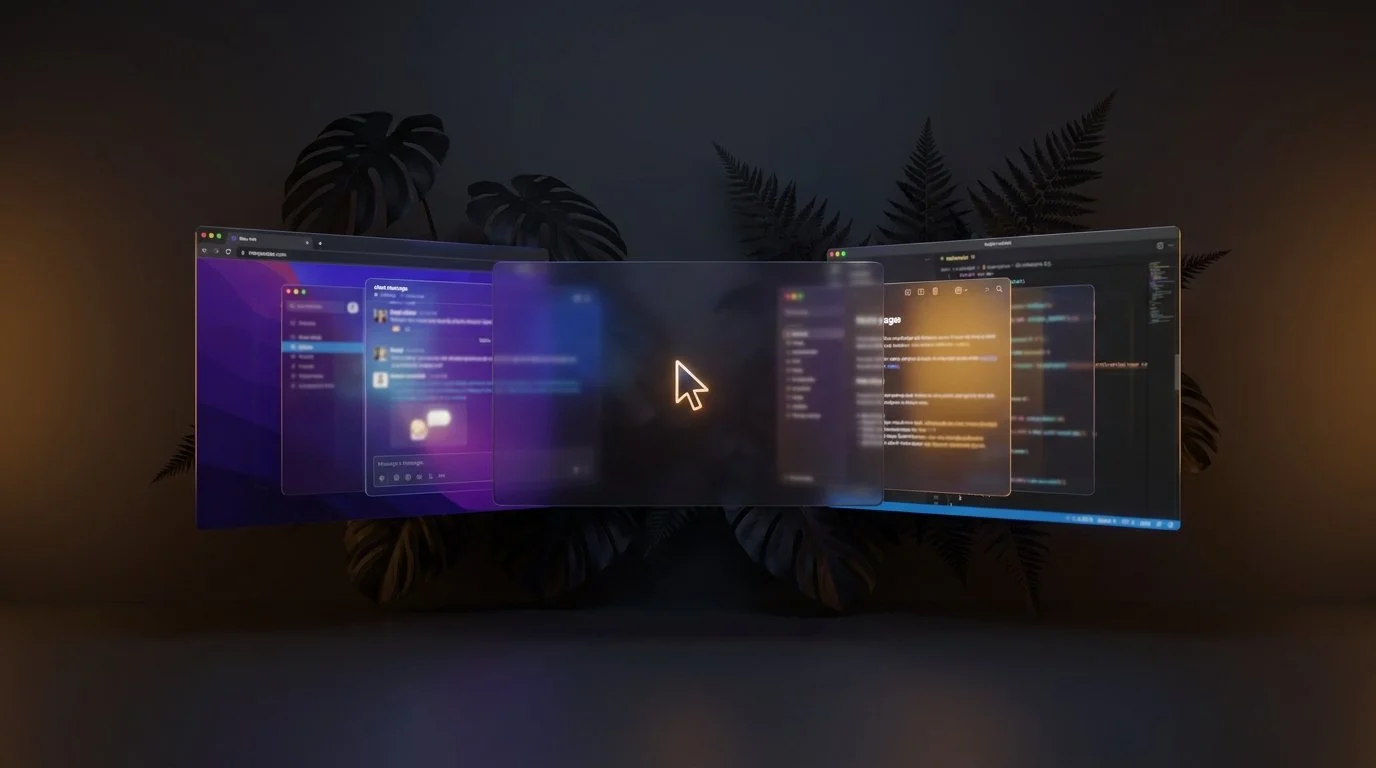
How to Open All Your Project Apps With One Click on Mac
Most "open my work apps" tutorials online point you at Automator or Shortcuts. Those work for opening apps. They don't bring back your browser tabs, they don't put your windows where you had them, and they don't switch your Focus Mode. If you only ever work on one project, that's fine. If you switch between two, three, or five different projects in a day, opening blank apps isn't the same as being ready to work.

How to Stop Losing Your Browser Tabs When Switching Mac Projects
Every time you switch between projects on your Mac, your browser tabs disappear or get mixed up with other tabs.
You close Chrome to focus on a new client. When you come back, those 12 research tabs are gone, buried in history, or merged into a different session. You don’t just lose tabs. You lose context.
macOS was never designed to understand projects. It understands apps. It understands windows. But it does not understand that a set of tabs belongs to a specific piece of work.
Ikuna solves this at the system level. It saves your browser tabs as part of a named project context and restores them when you switch back.
No extensions. No bookmarking workflows. No reconstruction.
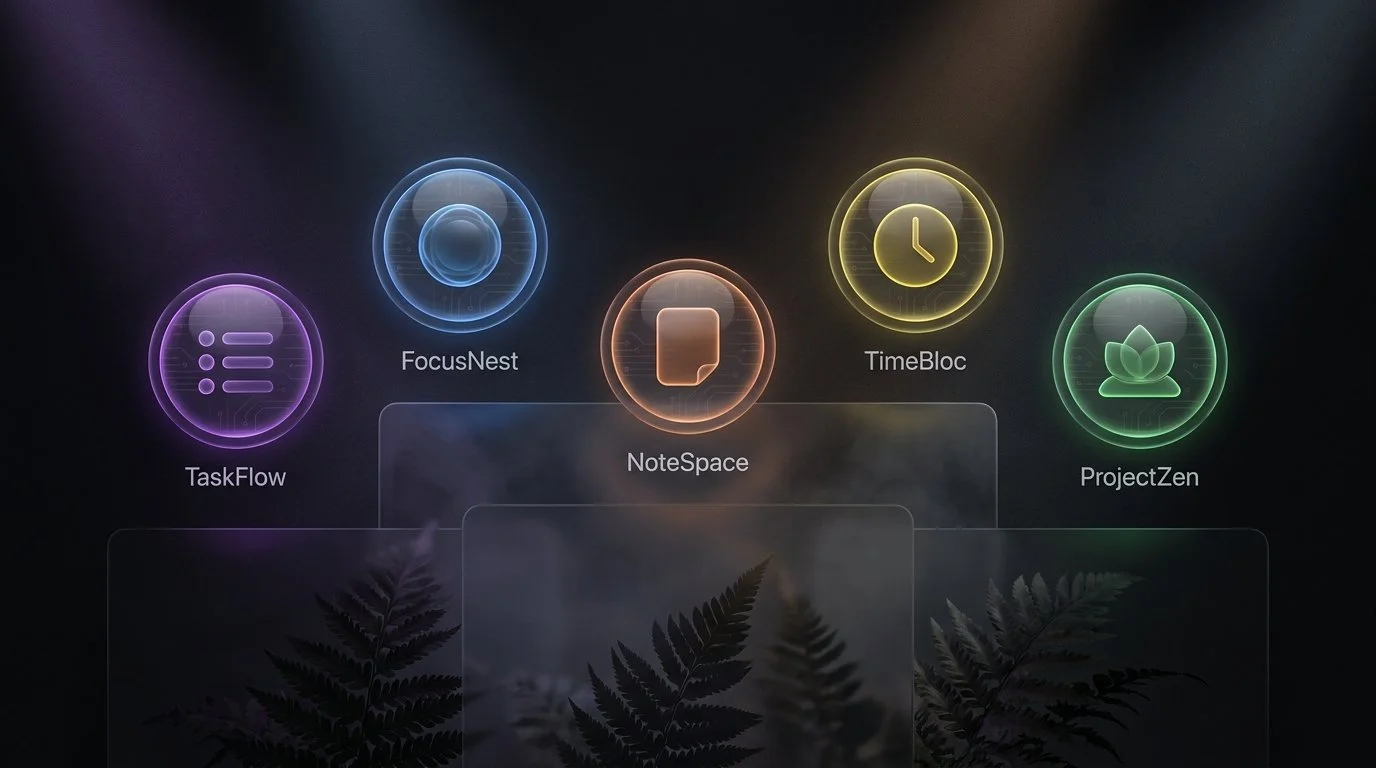
Best macOS Workspace Managers Compared (2026)
The best macOS workspace manager depends on what problem you're solving. Window positioning, workspace switching, or full project context persistence are three different needs served by different tools. Ikuna saves your complete project environment (apps, tabs, windows, Focus Mode) and restores it when you switch projects. BetterStage combines window tiling with named stages and AI-powered layouts. Spencer saves window layouts across virtual Desktops. Rectangle snaps and resizes windows. Stage Manager groups open windows visually.
Walking Meetings: The Productivity Hack Hiding in Plain Sight
Walking meetings combine the benefits of physical movement with productive discussion. Here's the science behind why they work and how to implement them.
Meeting Recovery Syndrome: The Hidden Productivity Killer
Meetings don't just take time—they fragment it. Understand meeting recovery syndrome and how to protect your productive capacity.