BRNSFT's Productivity Blog
Tags
- AI
- AI-assisted focus
- Agents
- Audio
- Change
- Cognitive Load
- Cognitive Science
- Context Switching
- Decent Work
- Deep Work
- Doorway effect
- Economic Impact
- Employee Engagement
- Employee Well-being
- Generative AI
- Habits
- Ikuna
- LLM
- LLM Agents
- Mental-Models
- Mindset
- Neuroscience
- Pomodoro
- Positive
- Productivity
- Routine
- Routines
- Save Workspace
- Well-Being
- Well-being
- Workplace Dignity
- attention
- attention management
- attentional residue
- burnout
- burnout prevention
- cognitive
- cognitive enhancement
- cognitiveload
- comfort zone
- concentration
- deep work
- digital nomad
- digital wellbeing
- efficiency
- environment
- ergonomics
- eventsegmentation
- focus
- home office
Latest Blogs

How to Save Your Entire Workspace Setup on Mac and Restore It Later
Ikuna saves your complete workspace setup on Mac as a named context and restores it in one click. This includes which apps are open, which browser tabs are loaded, where each window is positioned, and which Focus mode is active. When you switch projects, Ikuna closes the current context and reopens everything for the new one exactly as you left it.
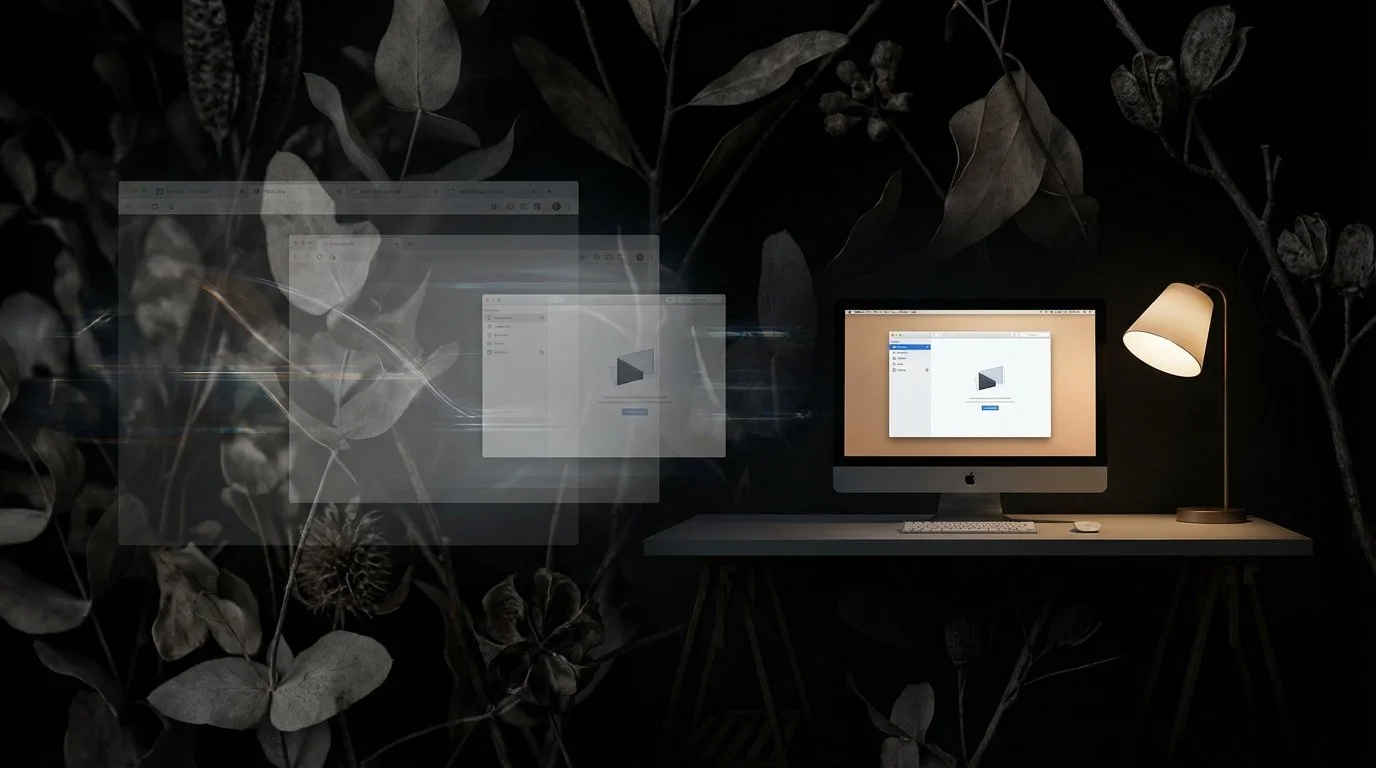
The Complete Mac Deep Work Setup Guide: Tools That Actually Stop Digital Chaos
Getting pulled in different directions during deep work on a Mac has two distinct causes, and most people only fix one. A complete deep work setup on Mac needs to address both. Ikuna solves the environmental layer by saving and restoring your entire workspace state in under three seconds.


The Best macOS Apps for Single-Tasking and Deep Focus in 2026
What Makes a Mac App Good for Single-Tasking?
A good single-tasking app eliminates distractions, helps you load the right context quickly, and reduces the friction of getting into focused work. The best tools do at least one of these exceptionally well.
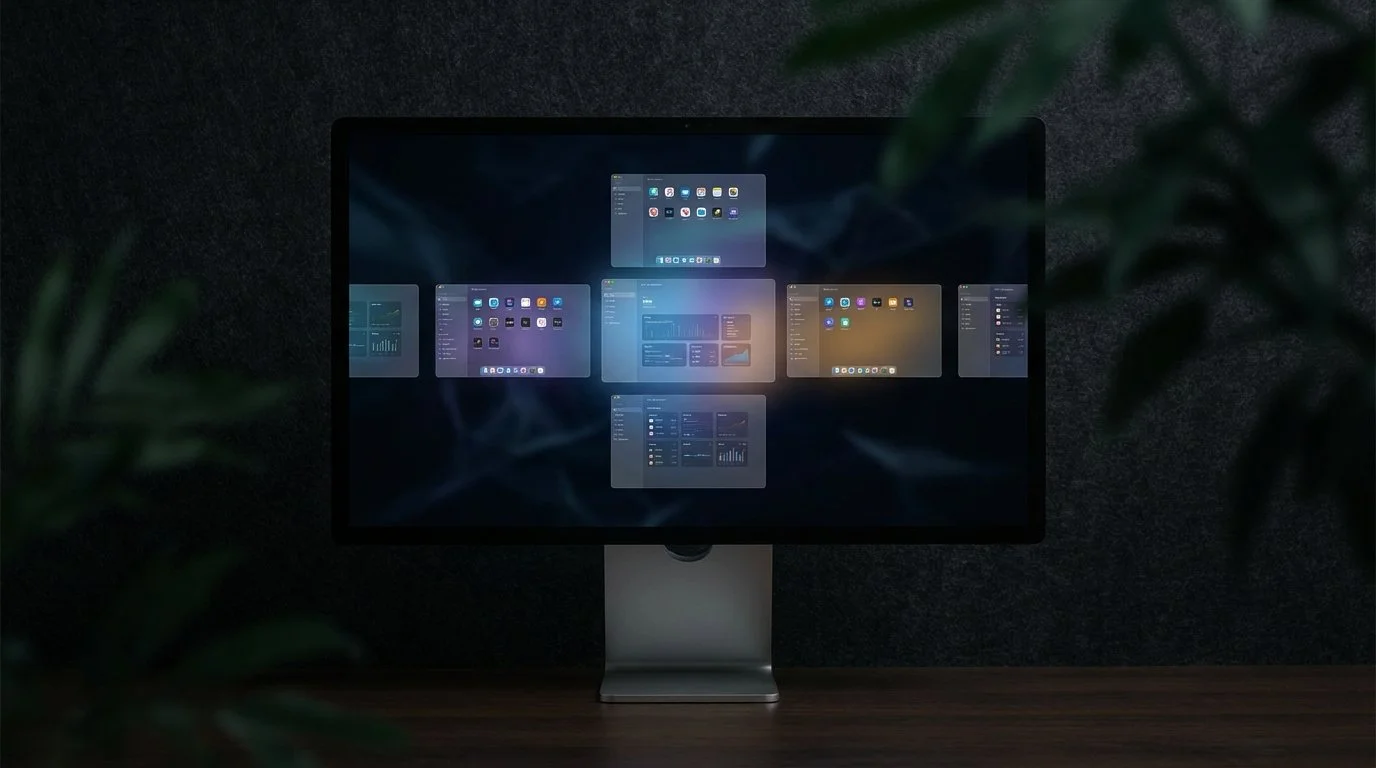
How to Organize Multiple Projects into Separate Workspaces on macOS (2026 Guide)
You can organize multiple projects into separate workspaces on macOS using two complementary approaches: macOS Spaces for visual screen separation, and a context manager like Ikuna for complete project environment restoration. Spaces let you assign different apps to different virtual desktops, which helps keep work visually organized while you're actively using your Mac.

The Hidden Cost of Context Switching: How Workspace State Management Saves 40% of Your Productive Time
Context switching reduces your productive time by up to 40%, according to the American Psychological Association. That's not a productivity tip you missed or a time management hack you need to learn. It's a systems problem.

Rectangle vs Ikuna: What’s the Difference Between Window Management and Context Management?
A context manager like Ikuna saves your complete project environment: the specific apps, browser tabs, window positions, and Focus Mode settings for each project.

I Keep Losing My Whole Window Setup Every Time I Switch Tasks on My Mac. Is There an App That Saves and Restores Everything?
macOS doesn't save workspace state natively. When you close apps or restart your Mac, everything resets. Virtual desktops (Spaces) remember window positions only while apps stay open, but they don't track which apps belong to which project, and they don't restore closed windows. If you're managing multiple projects- client work, personal tasks, research, you're manually rebuilding your setup every time you switch.


Why Context Switching Kills Deep Work & How to Fix It on Mac
Context switching kills deep work because it fragments attention and creates cognitive overhead.
The solution isn't to eliminate context switching. It's to make it deliberate. Create named work contexts that represent distinct mental modes. Save your complete project environment for each context. Use a context manager to automate the switch.
Ikuna was built to solve this specific problem: reducing the friction of planned context switching so knowledge workers can do their best work without the cognitive tax of constant mental resets.
How to Set Up a Deep Work System on Mac from Scratch
A deep work system on Mac is not just a collection of productivity apps. It is an operating model for how focused work is prepared, entered, protected, and sustained across the day.

Best Mac Apps for Knowledge Workers Managing Multiple Projects
This guide breaks down the most useful app categories for multi project work on Mac and shows how to build a setup that reduces context switching, cuts setup time, and makes it easier to stay focused across clients, departments, or workstreams.

Which Mac Apps Let You Save and Switch Between Workspace Setups?
Most Mac apps only move windows around. A workspace manager saves your entire project environment — apps, tabs, positions, sensory cues — and restores it in 3 seconds. Here's how Ikuna, BetterStage, Rectangle, and macOS Spaces compare.
The Comparison Trap: Social Media and Mental Health
Social comparison is hardwired into human psychology. Social media weaponizes it. Understand the mechanism and protect your mental health.
Energy Management vs Time Management: A New Paradigm
Time is finite but constant. Energy fluctuates dramatically. Why managing energy trumps managing time for sustainable productivity.

The Psychology of Workspace Colors
Color isn't just aesthetic; it affects mood, focus, and creativity. Learn which colors optimize different types of work.
Screen Time Reality Check: What the Numbers Mean
Screen time tracking gives you data, not insight. Learn what your numbers actually reveal and which metrics matter for wellbeing.
The Two-Minute Rule: When Quick Tasks Steal Your Day
Small tasks feel harmless, but they accumulate into massive disruption. Learn when the two-minute rule helps and when it destroys deep work.