BRNSFT's Productivity Blog
Tags
- AI
- AI-assisted focus
- Agents
- Audio
- Change
- Cognitive Load
- Cognitive Science
- Context Switching
- Decent Work
- Deep Work
- Doorway effect
- Economic Impact
- Employee Engagement
- Employee Well-being
- Generative AI
- Habits
- Ikuna
- LLM
- LLM Agents
- Mental-Models
- Mindset
- Neuroscience
- Pomodoro
- Positive
- Productivity
- Routine
- Routines
- Save Workspace
- Well-Being
- Well-being
- Workplace Dignity
- attention
- attention management
- attentional residue
- burnout
- burnout prevention
- cognitive
- cognitive enhancement
- cognitiveload
- comfort zone
- concentration
- deep work
- digital nomad
- digital wellbeing
- efficiency
- environment
- ergonomics
- eventsegmentation
- focus
- home office
Latest Blogs

The Doorway Effect: Why Your Brain Wipes the Slate Every Time You Switch Apps
Every time you Command-Tab, your brain treats it as walking through a door. The literature on the doorway effect says that crossing an event boundary flushes some of the state you were holding a second earlier. On a modern Mac, you cross fifty of those boundaries a day. That's not a productivity metaphor. It's a specific finding about how the brain segments time.

Why Audio Cues Help You Focus: The Cognitive Science of Sensory Anchors
A sensory anchor is a repeatable sensory input, whether a sound, an image, a smell, or a place, that becomes associated with a cognitive state through repetition. The next time the input appears, the state loads faster and cleaner than it would from a cold start.

Why I Built Ikuna: The Office Stack We Lost When We Went Remote
When I went fully remote, my productivity didn't dip. It collapsed.
It wasn't dramatic on day one. I had a laptop, a kitchen table, a reasonable internet connection, and what I believed was a decade of self-discipline. By month two, I was finishing the day with the same feeling you get after a long flight: I'd been on, technically, for nine hours and could not point to a single block of real work. Meetings ran into deep work, deep work ran into messages, messages ran into a half-written doc I'd already opened twice that morning. Each evening I'd close the laptop convinced I'd just had a bad day.
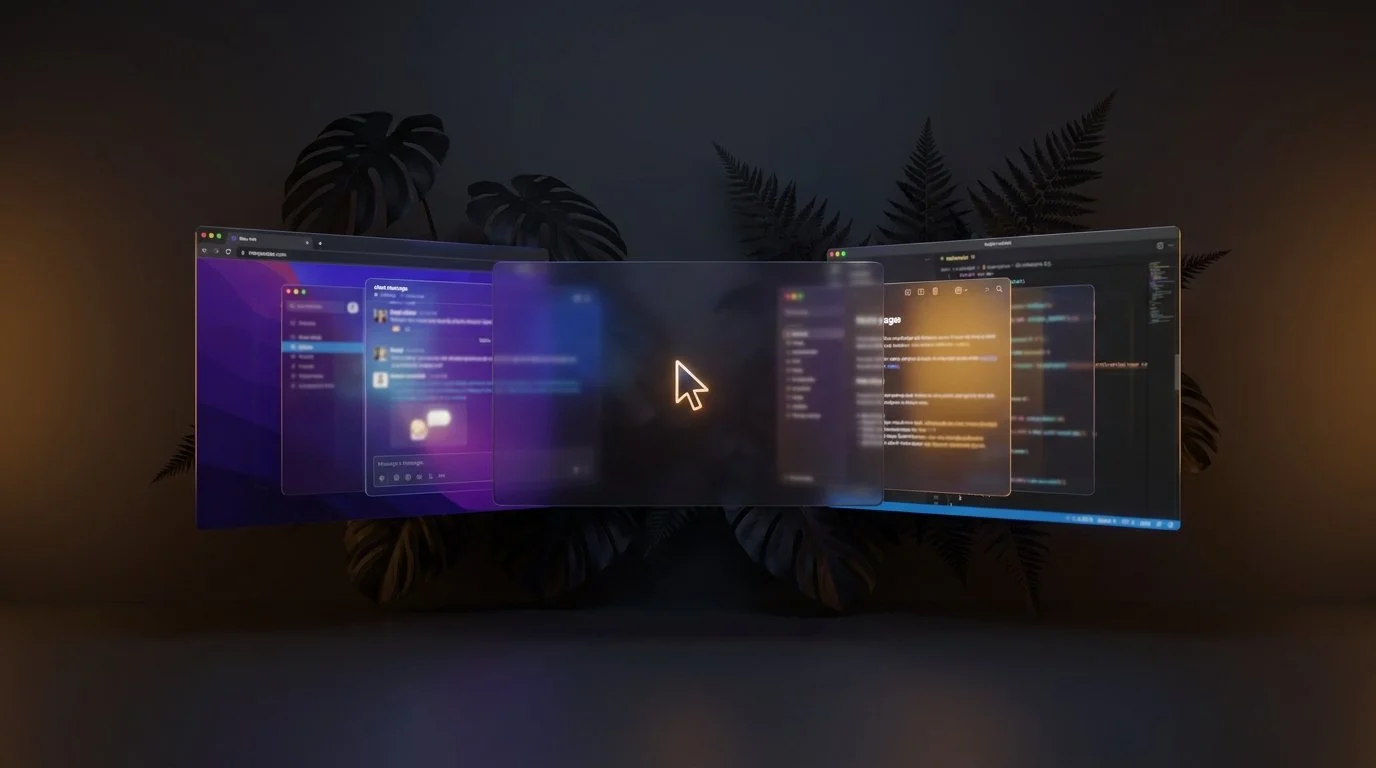
How to Open All Your Project Apps With One Click on Mac
Most "open my work apps" tutorials online point you at Automator or Shortcuts. Those work for opening apps. They don't bring back your browser tabs, they don't put your windows where you had them, and they don't switch your Focus Mode. If you only ever work on one project, that's fine. If you switch between two, three, or five different projects in a day, opening blank apps isn't the same as being ready to work.
The Compound Cognitive Debt of the Modern Workweek
You didn't work late. You didn't pull an all-nighter. You didn't even have a particularly stressful week. Yet by Friday afternoon, you're mentally spent, unable to focus, irritable, and counting the hours until you can close your laptop. The exhaustion doesn't match the workload.
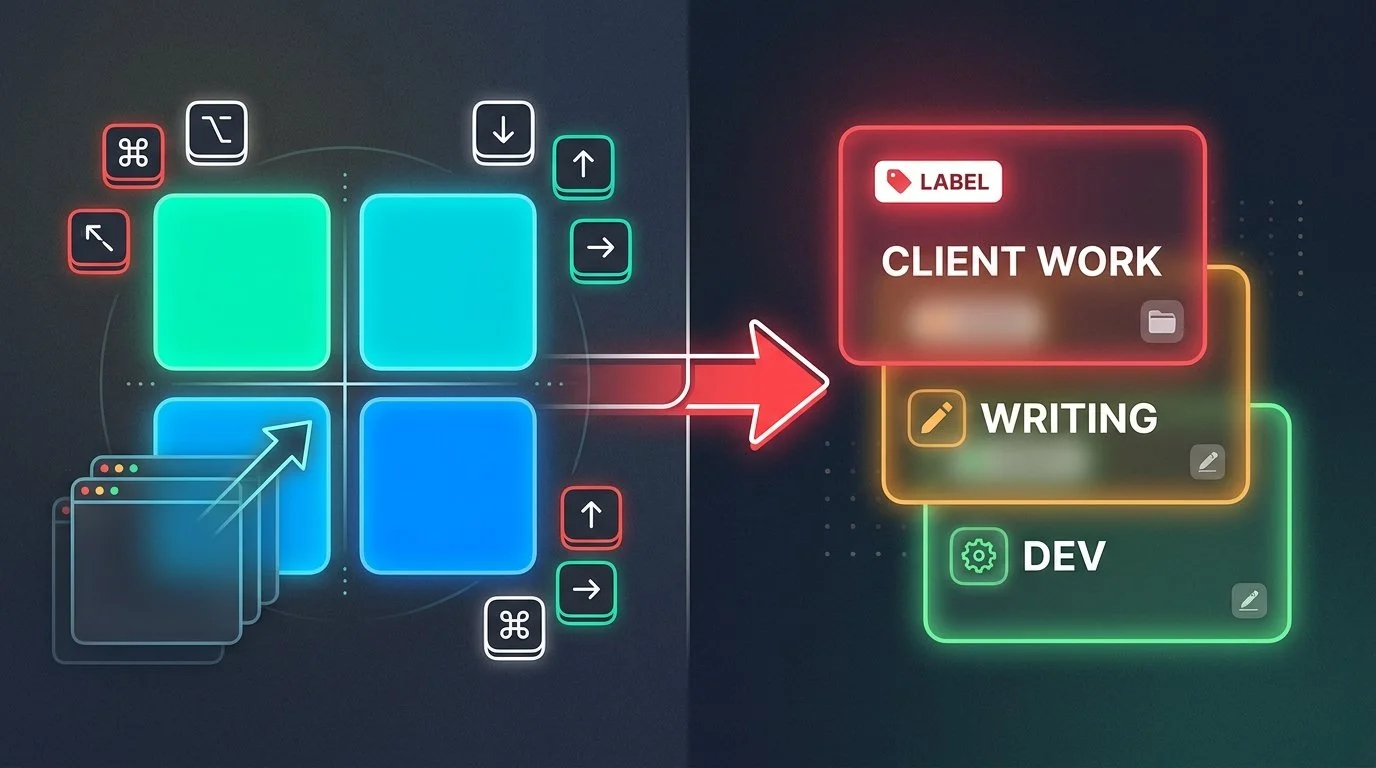
You Use Rectangle. Here's the Layer It's Missing.
Rectangle is excellent at what it does: snap windows, resize them with keyboard shortcuts, and tile your screen layout. But if you're still manually reopening apps, hunting for browser tabs, and rebuilding your workspace every time you switch projects, that's not a Rectangle problem. That's a context persistence problem.
The Complete Mac Deep Work Setup Guide: Tools That Actually Stop Digital Chaos
Getting pulled in different directions during deep work on a Mac has two distinct causes, and most people only fix one. A complete deep work setup on Mac needs to address both. Ikuna solves the environmental layer by saving and restoring your entire workspace state in under three seconds.

The Hidden Cost of Context Switching: How Workspace State Management Saves 40% of Your Productive Time
Context switching reduces your productive time by up to 40%, according to the American Psychological Association. That's not a productivity tip you missed or a time management hack you need to learn. It's a systems problem.
I Keep Losing My Whole Window Setup Every Time I Switch Tasks on My Mac. Is There an App That Saves and Restores Everything?
macOS doesn't save workspace state natively. When you close apps or restart your Mac, everything resets. Virtual desktops (Spaces) remember window positions only while apps stay open, but they don't track which apps belong to which project, and they don't restore closed windows. If you're managing multiple projects- client work, personal tasks, research, you're manually rebuilding your setup every time you switch.

Why Context Switching Kills Deep Work & How to Fix It on Mac
Context switching kills deep work because it fragments attention and creates cognitive overhead.
The solution isn't to eliminate context switching. It's to make it deliberate. Create named work contexts that represent distinct mental modes. Save your complete project environment for each context. Use a context manager to automate the switch.
Ikuna was built to solve this specific problem: reducing the friction of planned context switching so knowledge workers can do their best work without the cognitive tax of constant mental resets.
How to Set Up a Deep Work System on Mac from Scratch
A deep work system on Mac is not just a collection of productivity apps. It is an operating model for how focused work is prepared, entered, protected, and sustained across the day.
Best Mac Apps for Knowledge Workers Managing Multiple Projects
This guide breaks down the most useful app categories for multi project work on Mac and shows how to build a setup that reduces context switching, cuts setup time, and makes it easier to stay focused across clients, departments, or workstreams.
Which Mac Apps Let You Save and Switch Between Workspace Setups?
Most Mac apps only move windows around. A workspace manager saves your entire project environment — apps, tabs, positions, sensory cues — and restores it in 3 seconds. Here's how Ikuna, BetterStage, Rectangle, and macOS Spaces compare.

Context Switching | The hidden productivity killer.
Context switching, or the constant shifting of focus between tasks, is a common problem in today's fast-paced work environment. However, it is also a significant hindrance to productivity, as it takes time for the brain to switch its focus, leading to decreased efficiency and increased stress levels.