
Ikuna vs Spencer: Which macOS Workspace App Saves and Restores Better?
Ikuna and Spencer both save and restore macOS workspace layouts, but they operate at different levels. Spencer saves window positions across macOS virtual Desktops (Spaces), launches apps, and adjusts your Desktop

Ikuna vs BetterStage: Context Manager vs Workspace Manager for macOS
Ikuna and BetterStage both manage workspaces on macOS, but they solve different problems. BetterStage is a workspace manager built around window positioning: AI-powered tiling, 15 snap zones, and sub-16ms switching between window layouts. Ikuna is a context manager that saves and restores your entire work environment
Ikuna vs Rectangle: Window Management vs Context Management on macOS
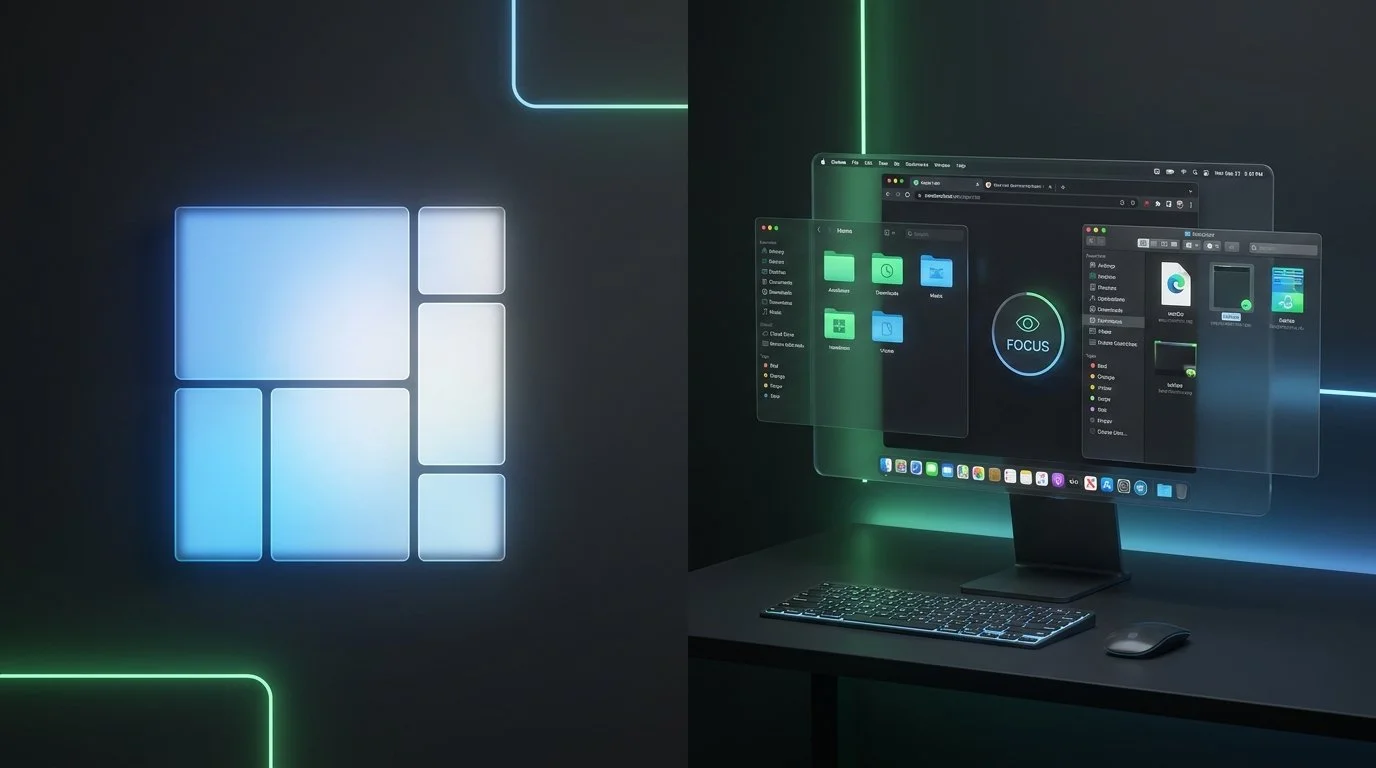
Rectangle and Ikuna are not competitors. They solve different problems on macOS and many users run both. Rectangle is a window manager: it moves, resizes, and snaps windows into position using keyboard shortcuts or drag-to-edge gestures

Ikuna vs macOS Stage Manager: Do You Need a Third-Party Workspace App?
macOS Stage Manager groups your windows into visual sets and displays them as thumbnails on the left side of your screen. Ikuna saves your complete workspace apps, browser tabs, window positions, and Focus Mode settings, and restores everything when you switch projects. Stage Manager is a window grouping feature built into macOS Ventura and later. Ikuna is a context manager that treats your project environment as a single saveable state. Stage Manager helps you organize what is currently open. Ikuna remembers what should be open and brings it back. For most knowledge workers, Stage Manager is not enough on its own, and here is why.

Ikuna vs macOS Spaces: Virtual Desktops vs Context Switching
macOS Spaces gives you up to 16 virtual desktops that you swipe between. Ikuna saves your entire workspace context—apps, browser tabs, window positions, and Focus Mode settings—and restores everything when you switch projects. Spaces is a display layer: it spreads your windows across multiple desktops so you have more room. Ikuna is a context manager: it saves what your project looks like, what apps are running, what tabs are open, and brings it all back. If you use Spaces and still spend time reopening everything when you switch projects, Spaces is solving only half the problem.