Ikuna vs Rectangle: Window Management vs Context Management on macOS
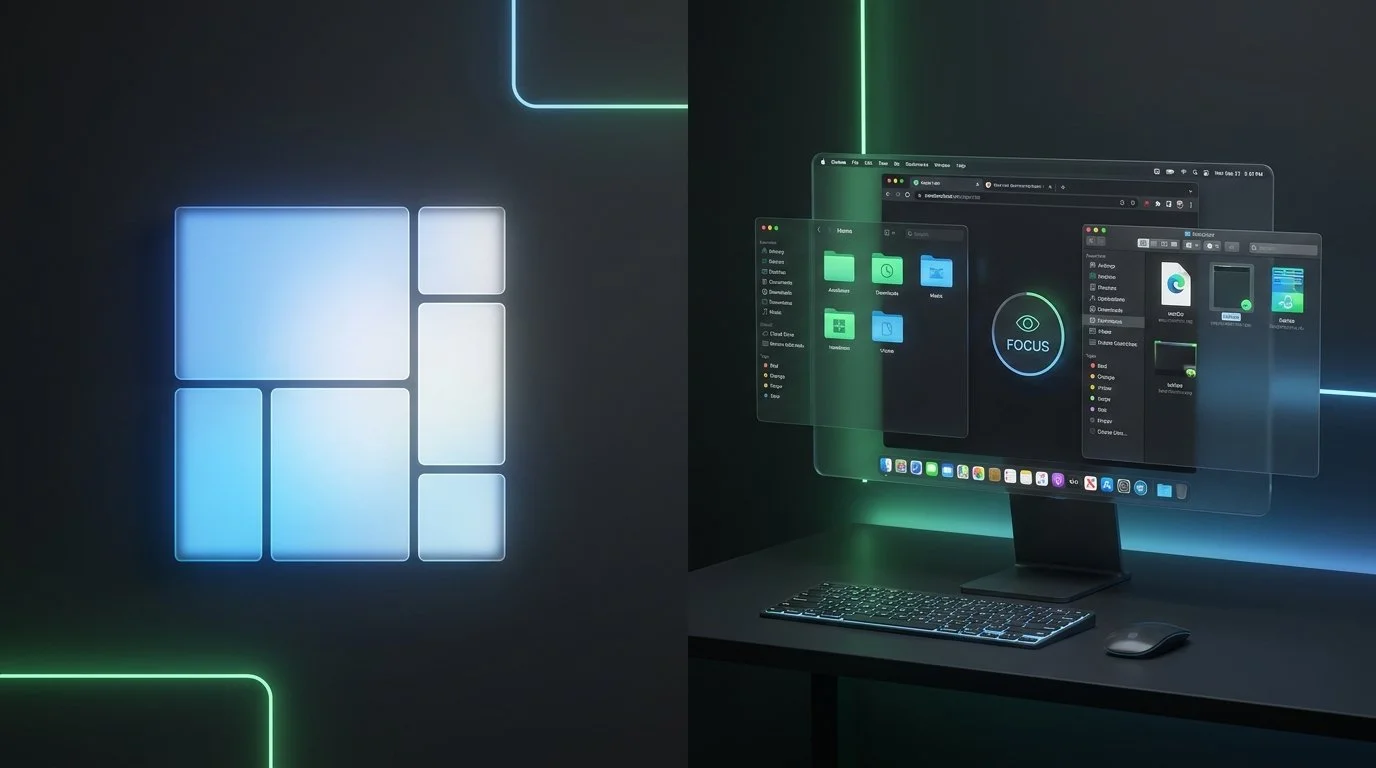
Rectangle and Ikuna are not competitors. They solve different problems on macOS and many users run both. Rectangle is a window manager: it moves, resizes, and snaps windows into position using keyboard shortcuts or drag-to-edge gestures. Ikuna is a context manager: it saves your entire workspace, open apps, browser tabs, window positions, and Focus Mode settings, and restores everything when you switch projects. Rectangle arranges what is already on your screen. Ikuna remembers what should be on your screen and brings it back. If you use Rectangle and still feel scattered when switching between projects, Ikuna is the missing layer.
How Do Rectangle and Ikuna Compare?
| Feature | Rectangle | Ikuna Recommended |
|---|---|---|
| Window positioning | Yes, shortcuts and snap areas | No |
| Window snapping to edges | Yes | No |
| Save workspace state | No | Yes, full project context |
| Browser tab restoration | No | Yes, Safari and Chrome |
| App auto-launch | No | Yes |
| Focus Mode integration | No | Yes |
| Context switch tracking | No | Yes, dashboard |
| Multi-monitor support | Yes | Yes |
| Pricing | Free and open source | Free / €9 per month |
| Platform | macOS 10.15+ | macOS 13+ |
What Does Rectangle Do?
Rectangle positions windows on your screen. You press a keyboard shortcut, and the active window moves to the left half, right third, or a custom position. You drag a window to the screen edge, and it snaps into a predefined area. Rectangle Pro adds more layouts, custom sizes, and app-specific positioning rules.
Rectangle does this one thing very well. It is free, open source, lightweight, and stable. For basic window organization, there is little reason to look further.
What Rectangle Does Not Do
Rectangle has no concept of a workspace, a project, or a context. It does not know that you have a "Client A" workflow that involves Figma, Slack, Chrome with six specific tabs, and Focus Mode set to silence everything except one channel. Rectangle does not save what apps are open or what tabs you are working with. It does not launch anything. It does not close anything. It does not change Focus Mode.
When you close your laptop and reopen it the next morning, Rectangle cannot bring back the workspace you were in. It positions windows that are already open, it does not reconstruct the environment you need.
This is not a limitation of Rectangle. It is simply not what Rectangle was built to do.
What Does Ikuna Add on Top of Rectangle?
Ikuna adds the persistence layer that Rectangle lacks. Where Rectangle says "put this window here," Ikuna says "this project needs these five apps, these browser tabs, these window positions, and this Focus Mode, save all of it and bring it back later."
A typical workflow with both tools:
Use Rectangle to position your windows exactly where you want them for a project
Use Ikuna to save that entire workspace state, apps, tabs, positions, Focus Mode
Switch to a different project in Ikuna (everything changes)
Switch back (Ikuna restores the full environment, Rectangle keeps positioning new windows as they appear)
Rectangle handles the spatial arrangement. Ikuna handles the temporal persistence. Together, they cover both dimensions of workspace management.
Why Do So Many People Use Rectangle Without a Context Manager?
Because window management is the visible problem. When your screen feels messy, your instinct is to organize it. Rectangle solves that immediately. The deeper problem, that you are spending 10 minutes rebuilding your project environment every time you switch tasks, is less visible because it happens gradually. You open an app here, find a tab there, toggle Focus Mode, launch Slack, find the right channel. Each step takes seconds. Together, they consume significant time and cognitive energy every single context switch.
Ikuna makes that invisible cost visible through its context switch tracking dashboard, and then eliminates it by restoring your full environment in about 3 seconds.
Which Should You Use?
Use Rectangle if:
Window positioning is your main need
You work on one project at a time and just want tidy windows
You want a free, open-source tool with no subscription
Use Ikuna if:
You manage multiple projects or clients
You lose time rebuilding your workspace when switching tasks
You need browser tabs, Focus Mode, and apps to switch together
Use both if:
You want precise window positioning (Rectangle) and complete workspace saving and restoration (Ikuna). This is the most common setup among users who need both spatial control and context persistence.
Frequently Asked Questions
Can I use Rectangle and Ikuna together?
Yes. They do not conflict. Rectangle handles window positioning through keyboard shortcuts and snap areas. Ikuna saves and restores your complete workspace context. When Ikuna restores a workspace, Rectangle continues to work for any new window positioning you do within that context.
I already use Rectangle. Do I need Ikuna?
If you work on a single project and just need tidy windows, Rectangle is enough. If you juggle multiple projects and spend time reopening apps, finding tabs, and toggling settings every time you switch, Ikuna eliminates that friction. Rectangle does not save or restore your workspace state.
Does Ikuna replace Rectangle?
No. Ikuna does not position or resize windows with keyboard shortcuts or snap areas. It saves and restores your entire workspace. Many users run both: Rectangle for in-the-moment window arrangement, Ikuna for cross-session workspace persistence.
What does "context manager" mean compared to "window manager"?
A window manager moves and resizes windows on your screen right now. A context manager saves your entire work environment, apps, tabs, window positions, Focus Mode, and restores it later. Window management is spatial. Context management is temporal.
