Digital Clutter Is Costing You More Than You Think
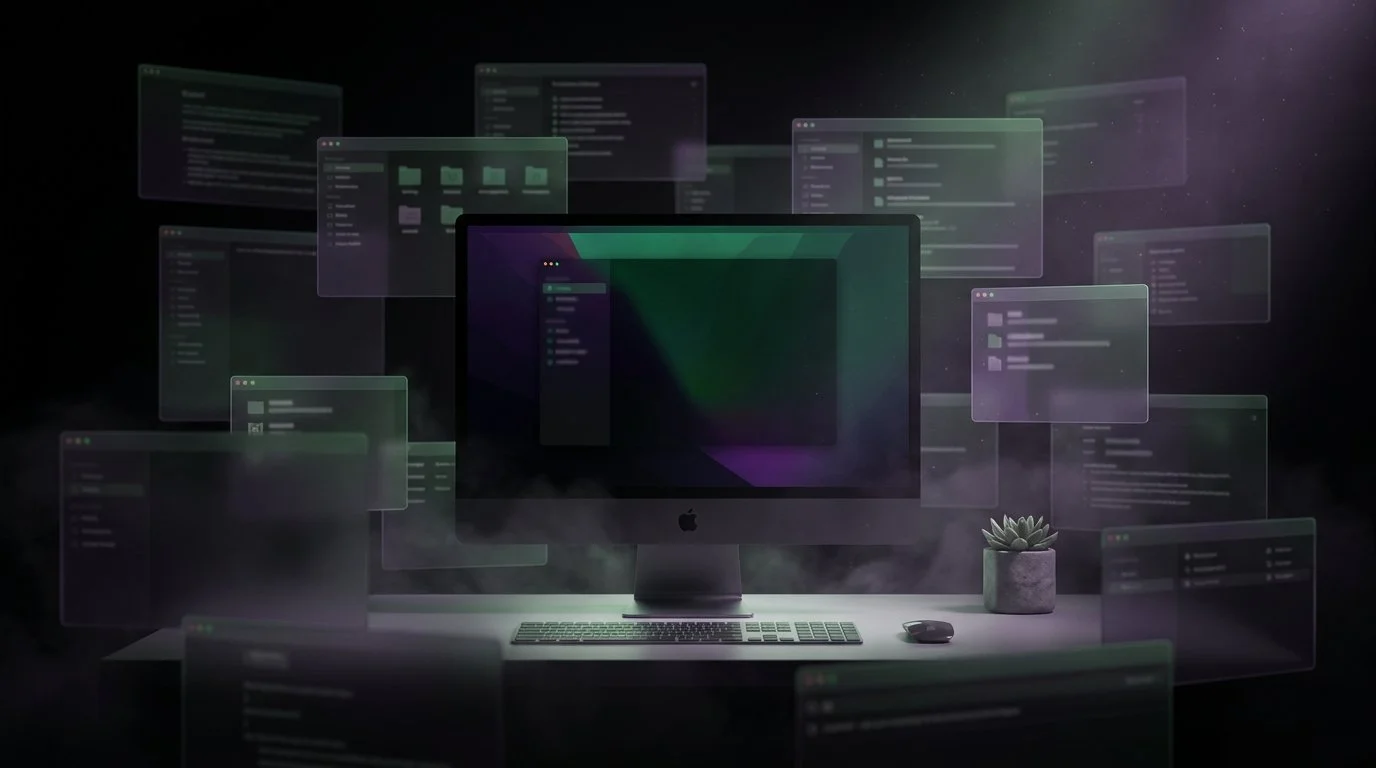
Yes. Having too many windows open on your Mac actively degrades your focus and productivity, and the mechanism is more insidious than you think.
Those windows stacked behind your active document aren't neutral. They're not just sitting there waiting patiently. Princeton neuroscientists discovered that multiple visual stimuli in your field of view compete for neural representation by mutually suppressing each other's activity throughout your visual cortex. In plain English: your brain is burning energy filtering out the Slack window, the half-finished spreadsheet, and the email client lurking behind your work. Even when you're not consciously looking at them.
The Slack notification badge. The menu bar crowded with app icons. The Dock is showing seventeen open applications. The browser has forty-three tabs. These aren't productivity tools in standby mode. They're visual noise, creating measurable cognitive drag.
What Is Digital Clutter's Real Cognitive Cost?
Digital clutter is the accumulation of visible interface elements, windows, tabs, icons, notifications, that compete for neural processing resources even when you're focused on a single task. It's not about aesthetics or organization. It's about the fundamental way your brain allocates attention.
Princeton's McMains and Kastner published their findings in the Journal of Neuroscience in 2011. Their research on visual cortex mechanisms revealed something critical: when multiple objects appear in your visual field simultaneously, they don't wait for their turn for your attention. They fight for it. Each visible element suppresses the neural activity evoked by the others.
Your brain doesn't have an "ignore" button. It has a suppression mechanism that requires active energy expenditure.
How Does Visual Clutter Actually Rewire Your Brain?
Yale University researchers took this further in 2024. Anirvan Nandy's lab published findings in Neuron that should concern anyone who works on a computer all day.
Visual clutter doesn't just make focusing harder, it fundamentally alters how information flows between neurons in your primary visual cortex. The research showed that clutter changes the basic neural processing architecture. The precise location of clutter within your visual field matters. The density matters. The contrast matters.
This isn't about willpower or discipline. You can't train yourself out of neural suppression. Your visual cortex is responding to environmental stimuli whether you want it to or not.
And here's the physiological kicker: UCLA research demonstrated that cluttered environments elevate cortisol levels, your stress hormone. The effect isn't purely cognitive. Your body is responding to the chaos on your screen.
What Types of Digital Clutter Are Draining Your Mac?
Not all clutter is created equal. Here's what's competing for your neural bandwidth right now:
1. Background windows and overlapping panels. Every window visible behind your active workspace, even partially, even blurred, is a visual stimulus your brain must suppress. The more windows, the more suppression required, the more cognitive energy spent on filtering instead of thinking.
2. Browser tab overload: Forty-three tabs aren't forty-three bookmarks. They're forty-three tiny visual elements, each with a favicon, each with a title fragment, each triggering the "something might be important here" circuit in your brain. Multiply that by three browser windows.
3. Notification badges and menu bar chaos. That red badge showing "47" unread messages isn't motivating you. It's a persistent visual stressor. Your menu bar, crowded with seventeen app icons, creates a dense field of competing stimuli at the top edge of every screen you look at.
4. Dock sprawl and background processes. Your Dock showing every app you've opened this week creates a visual inventory your brain scans unconsciously. Each icon is a potential context switch, a reminder of something else you could be doing, should be doing, or forgot you were doing.
5. Desktop file scatter Files and folders scattered across your desktop create the digital equivalent of a messy physical desk, with one critical difference. Your physical desk doesn't change every fifteen minutes. Your screen does. The clutter refreshes, updates, and multiplies throughout your workday.
Why Does This Matter More Than Physical Clutter?
Physical workspace research has long established that clutter impairs focus. But your Mac desktop operates under different rules.
Your screen changes faster and more frequently than your physical environment. A new notification. A new tab. A new window. A colleague shares a link. You CMD+Tab to check something. Each change resets the visual field your brain must process and filter.
The same neural suppression mechanisms that Princeton measured apply to both physical and digital clutter but digital environments amplify the effect through constant change and higher information density.
You can't look away from your screen to give your visual cortex a break. Your work is the screen.
How Do You Reduce Digital Clutter on a Mac?
The standard advice "close unused tabs," "organize your desktop," "turn off notifications" treats the symptom, not the structure.
You're not disorganized. You're managing multiple contexts on a single visual plane. Client work and personal research, communication, and reference materials are all competing for the same screen real estate. The problem isn't that you have too many windows open. It's that you have too many contexts visible simultaneously.
This is where workspace separation becomes a cognitive tool, not just an organizational preference.
Ikuna creates purpose-specific workspace contexts where only the apps, windows, and tabs needed for a specific project are visible. Everything else is saved but hidden. When you switch to your "Design" workspace, your brain doesn't have to suppress the Slack channel, the spreadsheet, or the email client. They're simply not there.
This isn't minimalism for aesthetics. It's reducing the neural competition that Princeton and Yale researchers measured in the lab.
Your "Client A" workspace shows only the files, browser tabs, and communication tools for that client. Your "Writing" workspace shows your editor, research tabs, and nothing else. Your "Admin" workspace handles email, calendar, and invoicing. Each context is clean, focused, and free of visual noise from unrelated work.
You're not closing things. You're not losing your place. You're creating visual environments that match your cognitive needs instead of forcing your brain to filter chaos.
Does Digital Clutter Affect Productivity?
Yes, measurably. But not in the way most productivity advice suggests.
The cost isn't the three seconds it takes to find the right window. The cost is the continuous cognitive load of suppressing irrelevant visual stimuli while you're trying to think. It's the elevated cortisol from working in a cluttered environment for eight hours. It's the altered information flow in your visual cortex that Yale researchers documented.
You finish the day exhausted not because you worked hard, but because your brain spent enormous energy filtering your own workspace.
FAQ
What did Princeton research find about clutter and focus?
McMains and Kastner's research in the Journal of Neuroscience established that multiple visual stimuli present simultaneously compete for neural representation by mutually suppressing their evoked activity throughout the visual cortex. Translation: everything visible on your screen is fighting for your brain's attention, even when you're focused on a single task. The windows you're ignoring aren't passive; they're actively being suppressed by neural mechanisms that cost energy.
How does visual clutter affect the brain?
Yale's 2024 research revealed that clutter alters the fundamental neural pathways in your primary visual cortex the part of your brain that processes what you see before you're even consciously aware of it. The location of clutter matters. The density matters. Your brain isn't just working harder to focus through clutter; it's processing visual information differently when clutter is present.
Does having too many windows open affect focus?
Yes. Every window visible on your screen, even behind your active workspace, is a visual stimulus your brain must actively suppress. This suppression requires cognitive energy that would otherwise be available for thinking, writing, designing, or problem-solving. The more windows open, the more energy spent on filtering instead of working.
How do you reduce digital clutter on a Mac?
The most effective approach is workspace separation, creating dedicated contexts where only the apps, windows, and tabs needed for a specific project are visible. Tools like Ikuna save complete workspace setups and let you switch between them instantly. Instead of managing clutter, you eliminate it by ensuring only relevant context is on screen at any time.
Ikuna is a context manager for macOS that saves and restores complete workspace setups, apps, browser tabs, window positions, and Focus Mode settings. Create clean, purpose-specific work environments and switch between them instantly. Learn more at brnsft.com.
